Remember where your things are.


DaimaGo
Remember Where Things Are
Keep track of your belongings, remember where you put them, and find what you need, with a little help from Dami.
Available for iOS
A little home for everything you own.
Three little steps.
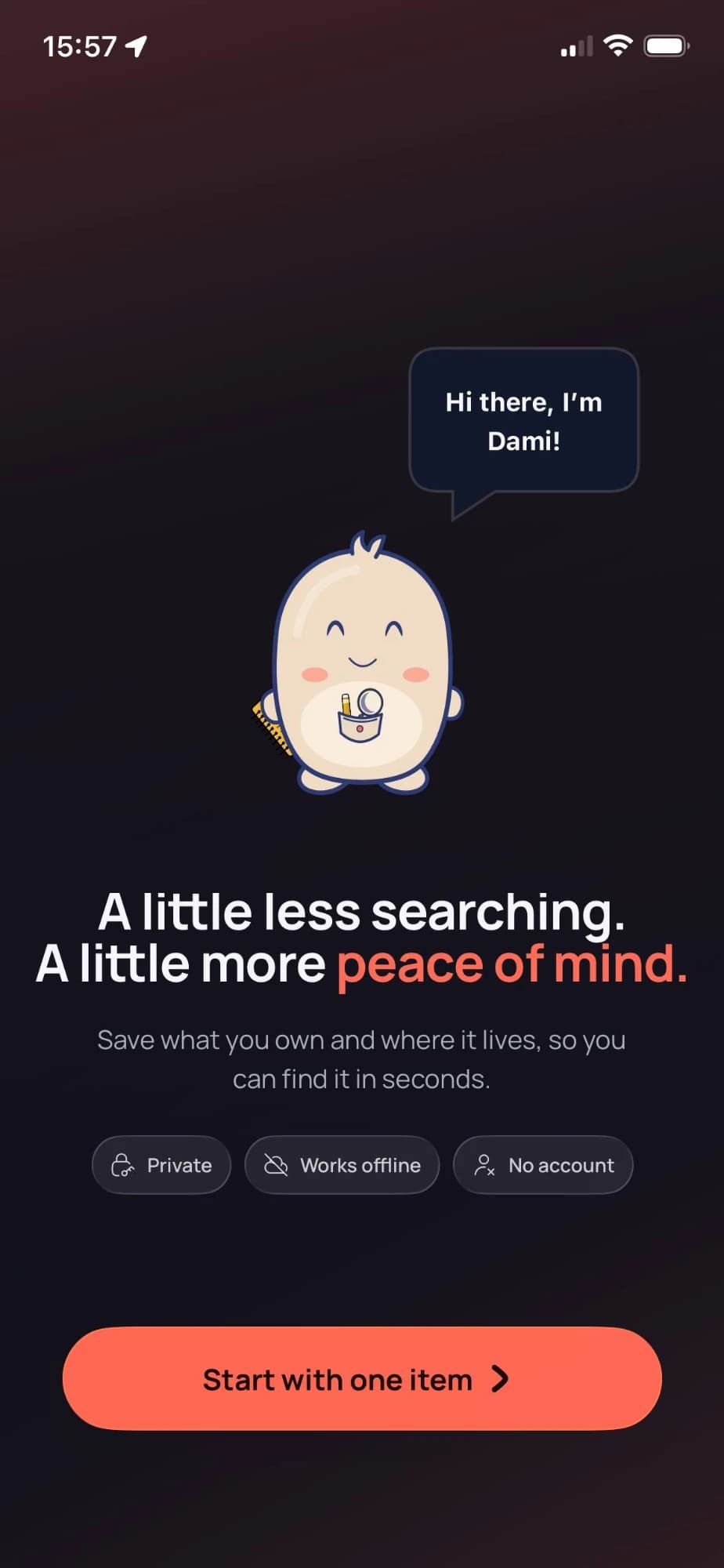
Add your belongings
Save an item you want to remember.
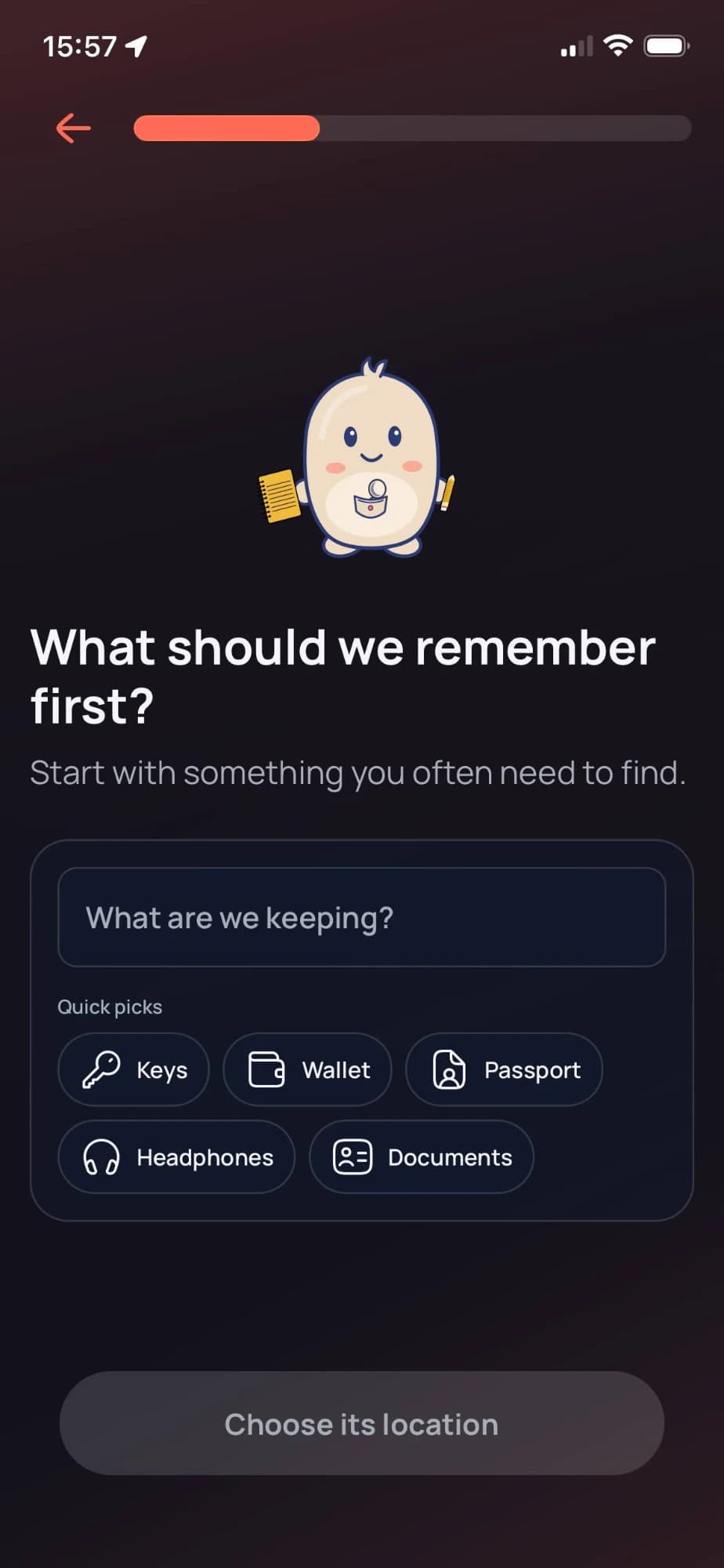
Give it a place
Record where you keep it, such as a room, drawer, shelf, or storage box.
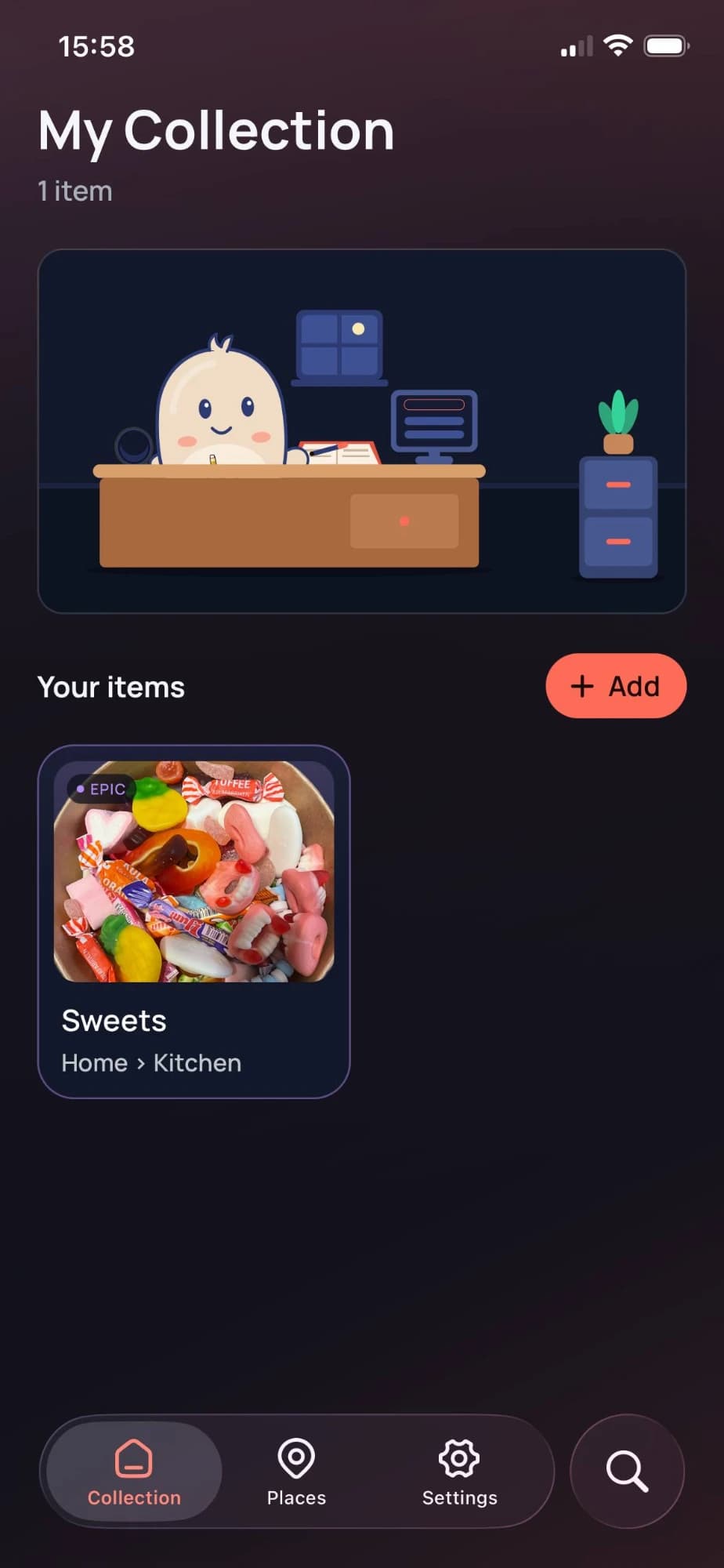
Find it anytime
Search your collection and know where to look.
Made for the things you own.
- Remember where things are
- Organize your belongings by their storage locations.
- Find things faster
- Search your saved items instead of checking every drawer.
- Make it yours
- Give items a photo and a rarity level, so your collection looks like yours.
- Designed for privacy
- No account to create, and it works offline.

Meet Dami. Your little keeper.
Dami is here to make organizing your belongings feel a little more fun. From your first saved item to your growing collection, there's always a little companion along the way.
Your things. Your space.
DaimaGo is built around your own inventory. There is no account to set up, and it works without an internet connection.
- Private
- Works offline
- No account
Spend less time searching.
Give your belongings a place to be remembered.